> ## Documentation Index
> Fetch the complete documentation index at: https://docs.vogent.ai/llms.txt
> Use this file to discover all available pages before exploring further.
# Overview
> Get an agent up and running in a few minutes
## Getting Started
Go to the [Vogent dashboard](https://app.vogent.ai) and sign in with a Google or Microsoft account.
Click on **Call Settings** on the left sidebar, then click **Add Phone Number**.
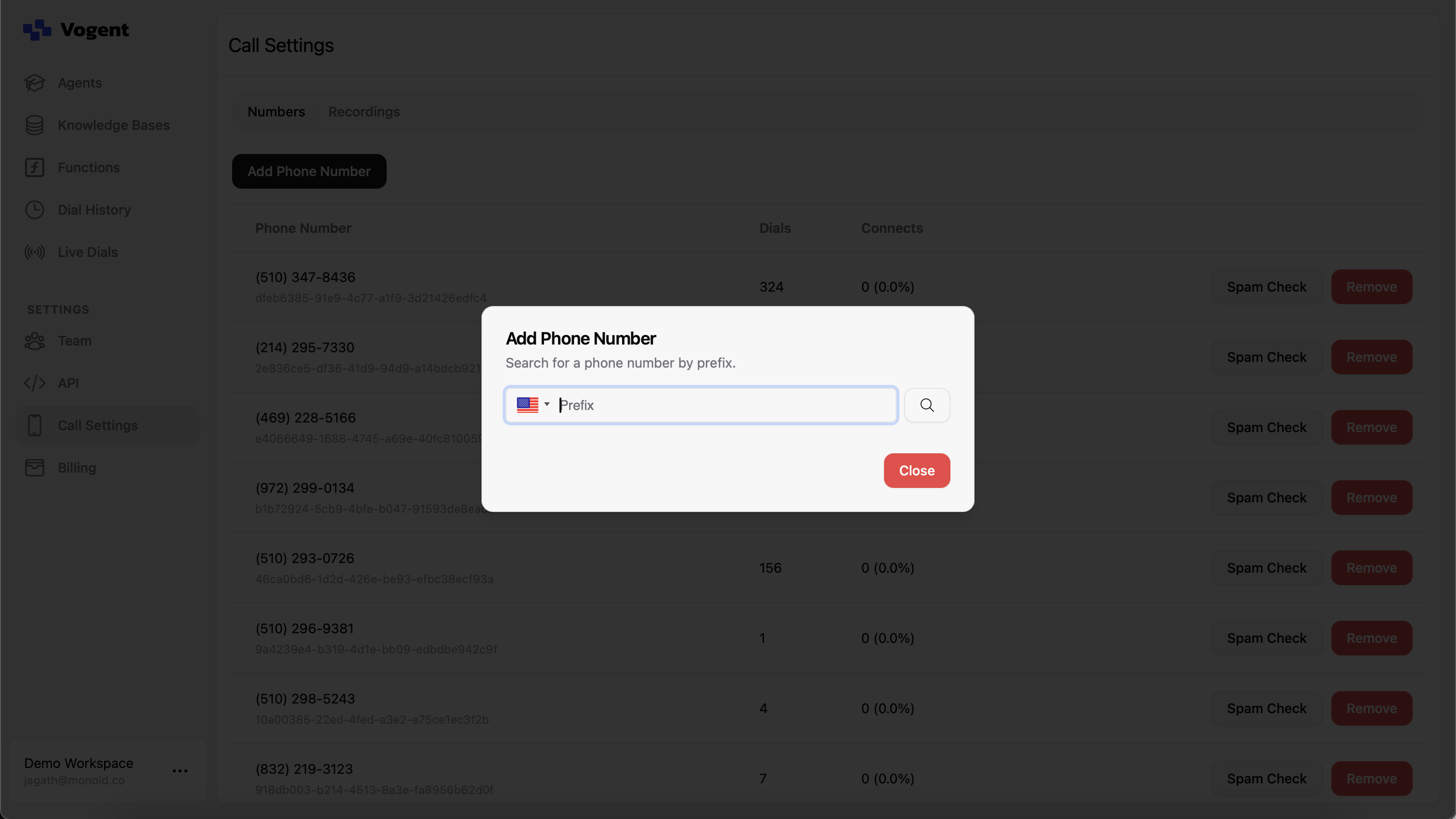
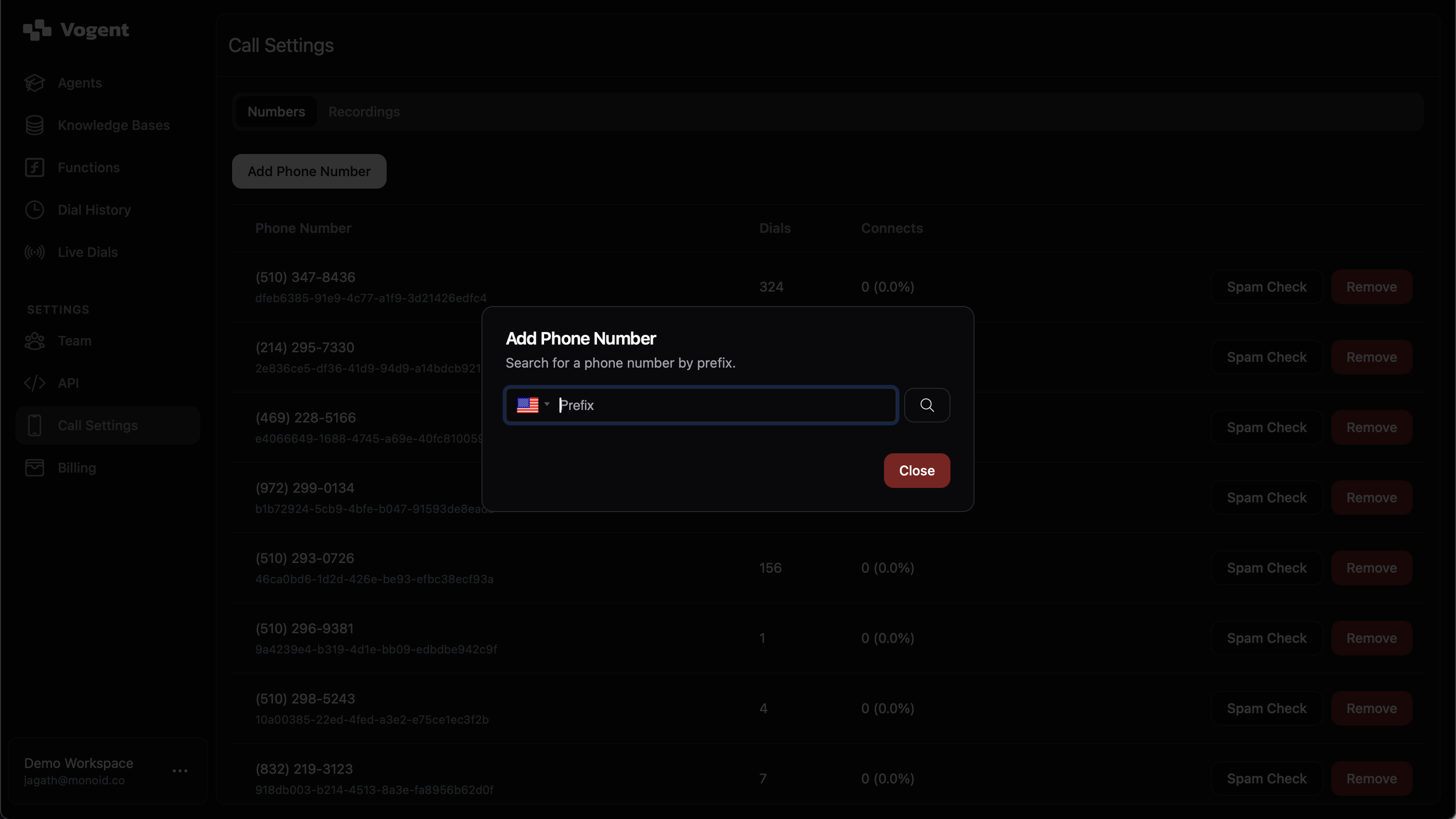 Then enter a 3-digit area code and click the magnifying glass icon to search for a phone number.
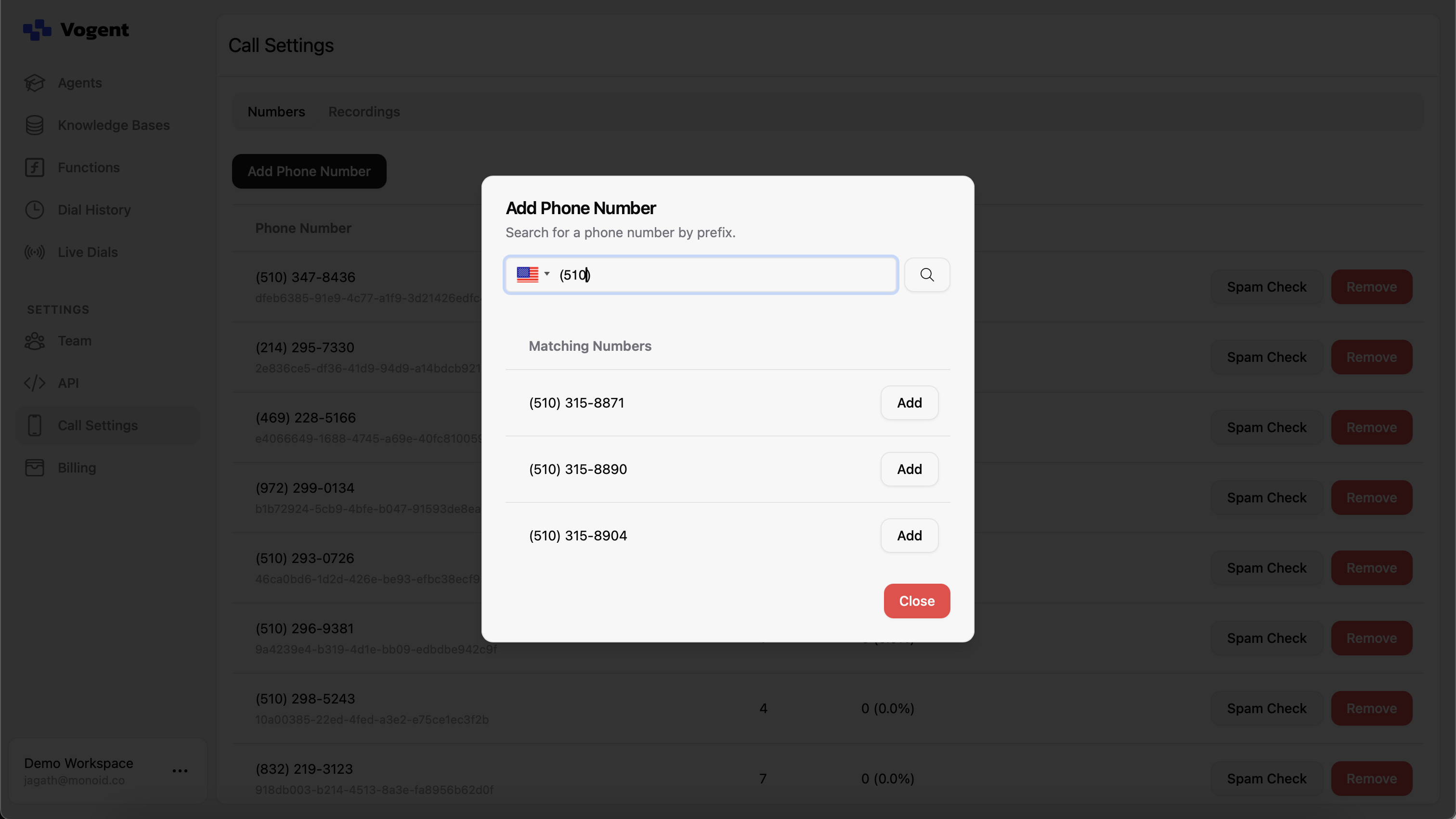
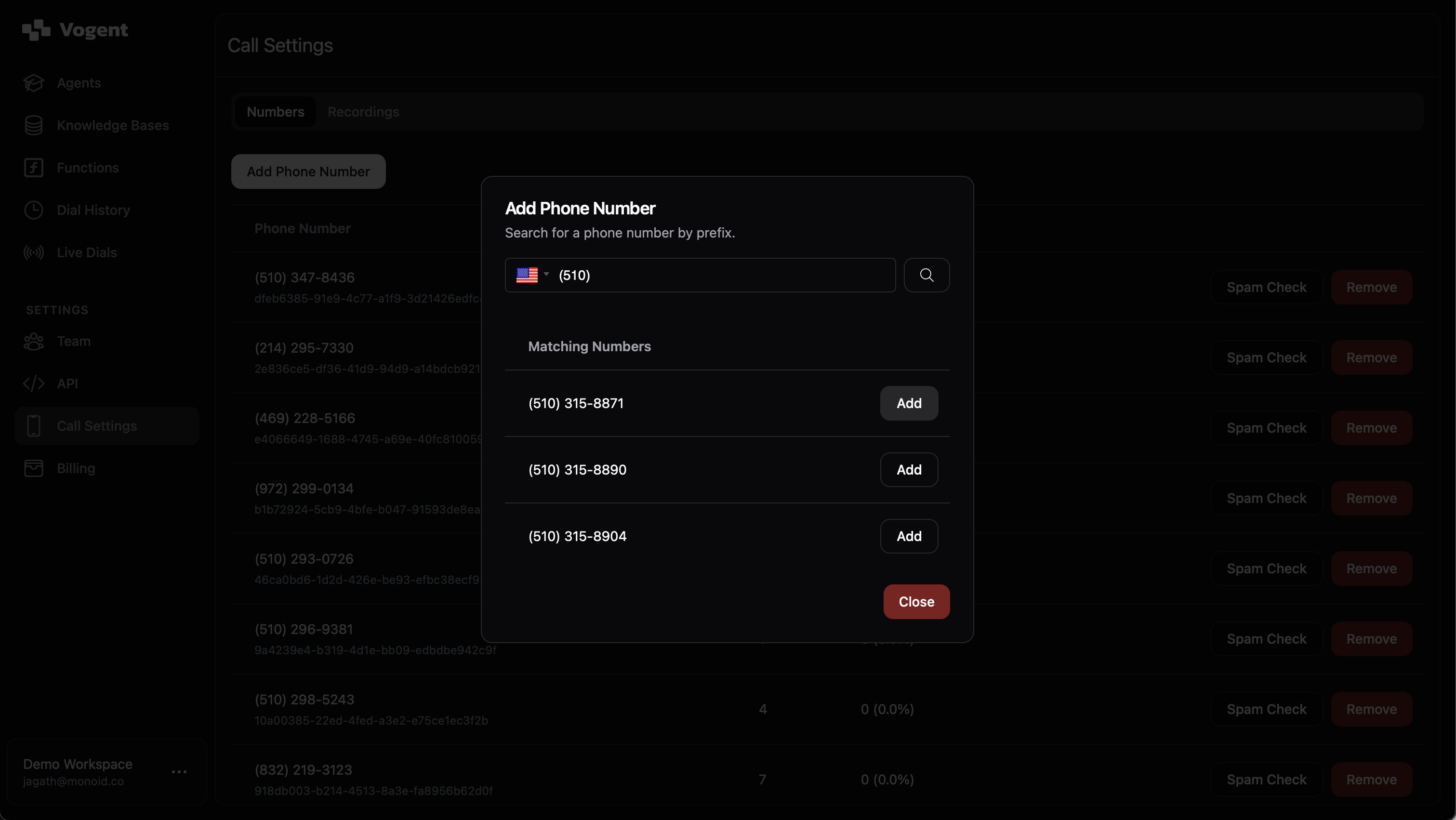 Then click **Add** to add the phone number to your workspace.
Availability varies by area code. `510` is a popular area code and is generally available, so it's a good one to use for this demo.
Below are a few quickstart guides that will walk you through pre-built voice agents to demonstrate Vogent's capabilities.
Create an inbound voice agent that can take orders for a restaurant.
Create an outbound voice agent that can navigate an IVR and speak to airline customer support.
Create an inbound voice agent that can ask a series of questions and probe for satisfactory answers.
Then click **Add** to add the phone number to your workspace.
Availability varies by area code. `510` is a popular area code and is generally available, so it's a good one to use for this demo.
Below are a few quickstart guides that will walk you through pre-built voice agents to demonstrate Vogent's capabilities.
Create an inbound voice agent that can take orders for a restaurant.
Create an outbound voice agent that can navigate an IVR and speak to airline customer support.
Create an inbound voice agent that can ask a series of questions and probe for satisfactory answers.